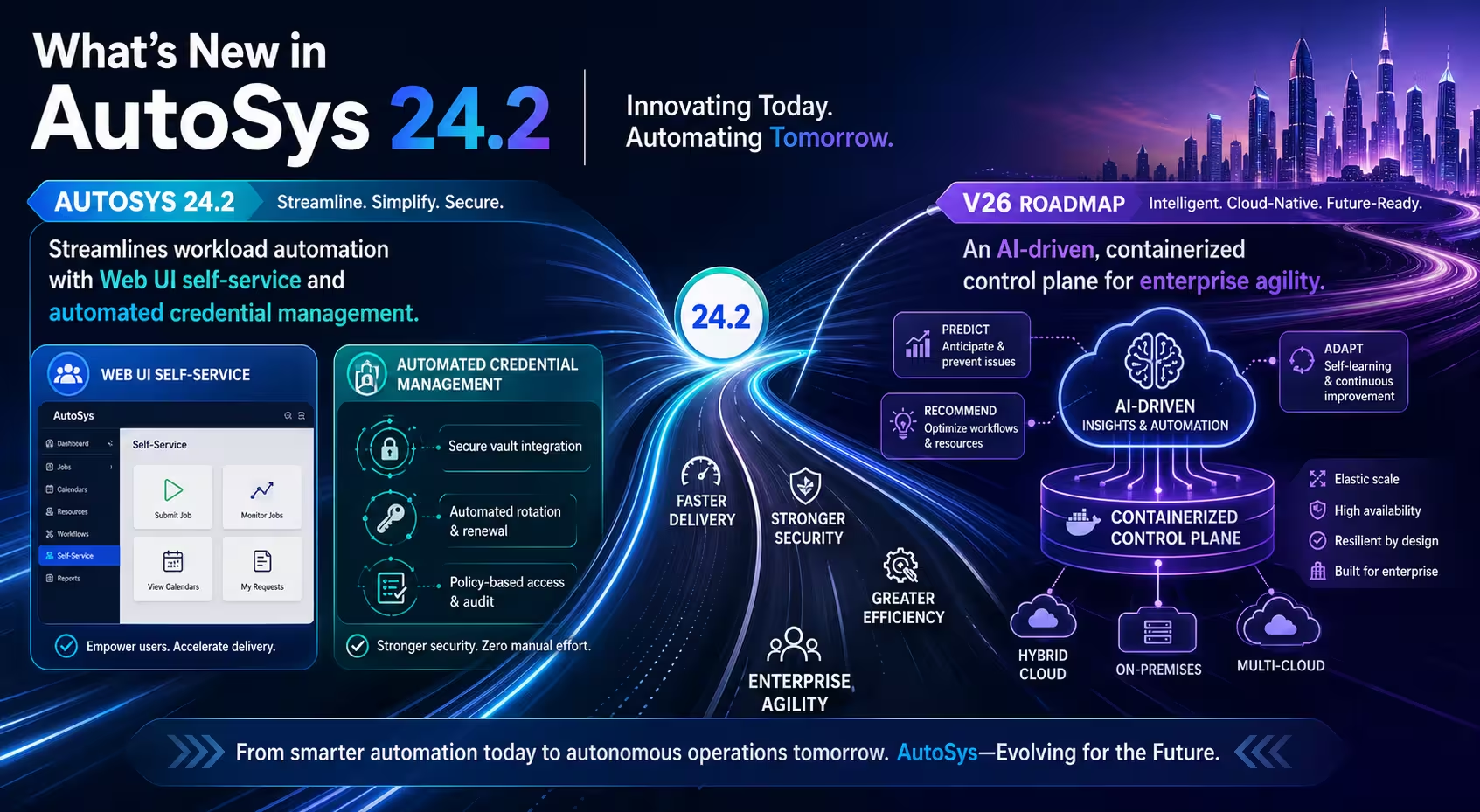


Automic Automation v26: At a Glance
Automation.AI Integration: Natural language filtering in AWI, AI-assisted scripting (Unix, PowerShell, Python), and persistent workflow context via
CREATE_AI_CONTEXTandASK_AI.Enterprise AI Security: Supports Microsoft Azure OpenAI and VCF Private AI, operating strictly over HTTPS with token-based REST authorization.
Agent & Infrastructure Updates: Introduces dedicated Python job types, HTTPS proxy routing for agents, multi-system SAP Agent support, and stabilized Zero-Downtime Upgrades (ZDU).
Audit & Traceability: Transport Case exports/imports now write directly to Client History, alongside centralized DB maintenance execution via AWI or REST.
Security Hardening: Adds OAuth2 to the MCP-server, advanced password obfuscation in configuration files, and LDAPS certificate storage within
UC_TRUSTEDCERTS.RMT Deployment Paths: Plan your v26 upgrade via an RMT whiteboard session (say Bob sent you), or register for the Automic SaaS roadmap webinar to see the 90-day cloud transition and claim your bourbon and craft chocolate kit (Deadline: June 10, 2026).
Automation.AI and Intelligent Orchestration Take Center Stage
So, what’s new in Automic Automation v26? We all know Automic’s been a heavyweight for a long time. You don’t land in the industry-leader quadrant by accident.
And v26 isn’t trying to reinvent anything. It’s just growing up in the right places.
Same core. Now with Automation.AI, a cleaner UX, and tighter security.
If you’re running high-volume or regulated workflows, that’s where it helps. More control, better visibility, and fewer nights where you’re hovering over jobs like you’re watching a toddler with a fork near the outlet.
What’s new shows up where it counts: tighter audit trails, better behavior at scale, and fewer reasons to sit there watching alerts like I used to do.
Not a big reset. Just a smoother run … and a little more sleep.

With Automic Automation v26, Automation AI starts feeling a lot more like a real working part of the platform… and a lot less like something that just shows up, waves at you in a demo, and disappears when the real work starts.
One of the biggest changes is natural language support in AWI views. In plain English, that means you can tell the system how you want to sort and filter what you’re looking at without poking around fields by hand like you’re searching for a light switch in a power outage.
You also get AI-assisted scripting across Unix Shell, PowerShell, Python, and AE Script. That matters because your team can spend less time building the repetitive pieces and more time thinking about the workflow itself, which is usually where the real value lives.
Automic v26 also introduces two new script functions, CREATE_AI_CONTEXT and ASK_AI. The simple version: they help the system keep track of context when AI is part of the workflow, so interactions feel more connected and less like starting from scratch every five minutes. It also feels more like an actual assistant now.
There’s a new Chatbot panel that lets you switch between sessions, and support for multiple large language models, including Microsoft Azure OpenAI and VCF Private AI. You can also customize prompts, which means the AI can be shaped to fit your environment instead of acting like every company on earth works the same way. And Broadcom didn’t stop at making it smarter.
They also made sure it’s built for serious environments. Automation AI now communicates over HTTPS, supports high availability, and uses token-based authorization for REST calls into the Automation Engine.
Which is exactly what you want when AI starts getting invited into the operational part of the house. This is the kind of AI addition I like: useful, grounded, and built to do more than just look impressive in a slide deck.
User Experience, Productivity, and Operational Improvements
What I like here is that v26 doesn’t just chase bigger features… it also pays attention to the day-to-day experience, which matters more than software people sometimes like to admit. Because let’s be honest: nobody wants a powerful platform that also feels like a chore.
The AWI, which is the main web interface people use to work in Automic, now lines up with Broadcom’s newer design style. You also get in-product notifications and email registration options, which may not sound glamorous, but they make the platform feel a lot more current and a lot less like something you have to negotiate with before breakfast.
There are useful operational updates underneath that polish, too. You now get new Python job types, which give teams more flexible ways to run Python-based work across different operating systems. The SAP Agent can also work with multiple SAP systems more cleanly at the job level, and the JMX Agent now supports newer Jakarta EE-based web servers such as Tomcat 10.
What that really means is better fit for the kinds of environments companies are actually running today… not the ones software brochures pretend everybody has. On the infrastructure side, agents can now reach the Automation Engine through an HTTPS proxy, which is important in environments with tighter network controls.
Broadcom also improved how agents connect, disconnect, and behave during zero-downtime upgrades, which are upgrades designed to keep things running while changes happen underneath. That’s the part I appreciate. It’s not change for the sake of noise.
It’s the kind of work that makes the platform easier to live with, easier to manage, and a lot less likely to annoy the people who have to depend on it every day. (And in enterprise software, that already counts as a small miracle.)
Data Management, Audit, and Enterprise‑Grade Security
I also love that v26 tightens up the parts of the platform that keep operations clean, traceable, and easier to manage over time. That may not be the flashy part of the release… but in my experience, this is exactly the kind of work that pays you back later.
On the data side, teams get more ways to handle maintenance from the tools they’re already using. Statistical data can be deleted through REST or the AWI – which is the main web interface in Automic – and database reorganization jobs can be triggered there too.
In plain English: less hopping between tools, less friction, fewer chances for routine upkeep to turn into tomorrow’s problem. Then you get the audit layer, and this part matters. Teams with the right database maintenance privileges can trigger and download revision reports from AWI or REST, and transport case exports and imports now leave entries in Client History, which is Automic’s record of what moved and what changed.
That gives you a clearer trail for exported and imported objects… which becomes very interesting the moment someone asks, “Who changed this?” in that tone nobody enjoys. Broadcom also tightened several things underneath the surface.
You get activation and start times in Automation Engine logs, OAUTH2 support on the Automic-MCP-server, stronger password obfuscation in configuration files, and support for storing LDAPS certificates in UC_TRUSTEDCERTS, which is the trusted certificate store inside Automic.
This is the kind of improvement I like seeing. Not flashy for the sake of noise… just smarter housekeeping, better auditability, and stronger security in the places that matter. And in enterprise software, that’s usually the stuff that saves your weekend.
Why This Release Matters for Regulated and Data‑Driven Industries
If auditability matters to you, v26 gives you a clearer trail of what moved, what ran, and what changed. Transport Case exports and imports now leave entries in Client History, which is Automic’s running record of activity, and users with the right database maintenance privileges can trigger and download revision reports through the AWI – the main web interface – or through REST.
It also adds activation and start times to Automation Engine logs, which means fewer blank spots when somebody starts asking uncomfortable questions. Then there’s the security side. v26 improves how Automic protects stored passwords in configuration files, and it makes LDAPS certificate handling cleaner by letting those certificates live in UC_TRUSTEDCERTS, which is the platform’s trusted certificate store.
This simply means tighter handling, less fuss, and fewer chances for routine security housekeeping to turn into the kind of problem that suddenly gets everybody very interested in your weekend. And from an operations standpoint, it also shortens the switch from the old REST process to the new one during a Zero Downtime Upgrade, which is an upgrade designed to keep things running while changes happen underneath. That’s exactly the kind of detail you appreciate most when the platform is busy… and your team would rather not spend the day babysitting it.
Quick side note – because you’d kick yourself if you didn’t know this was in the works.
You’re invited to join Robert Mark Technologies for an Automic SaaS webinar and bourbon tasting to covering the 90-day roadmap to move Automic to the cloud.
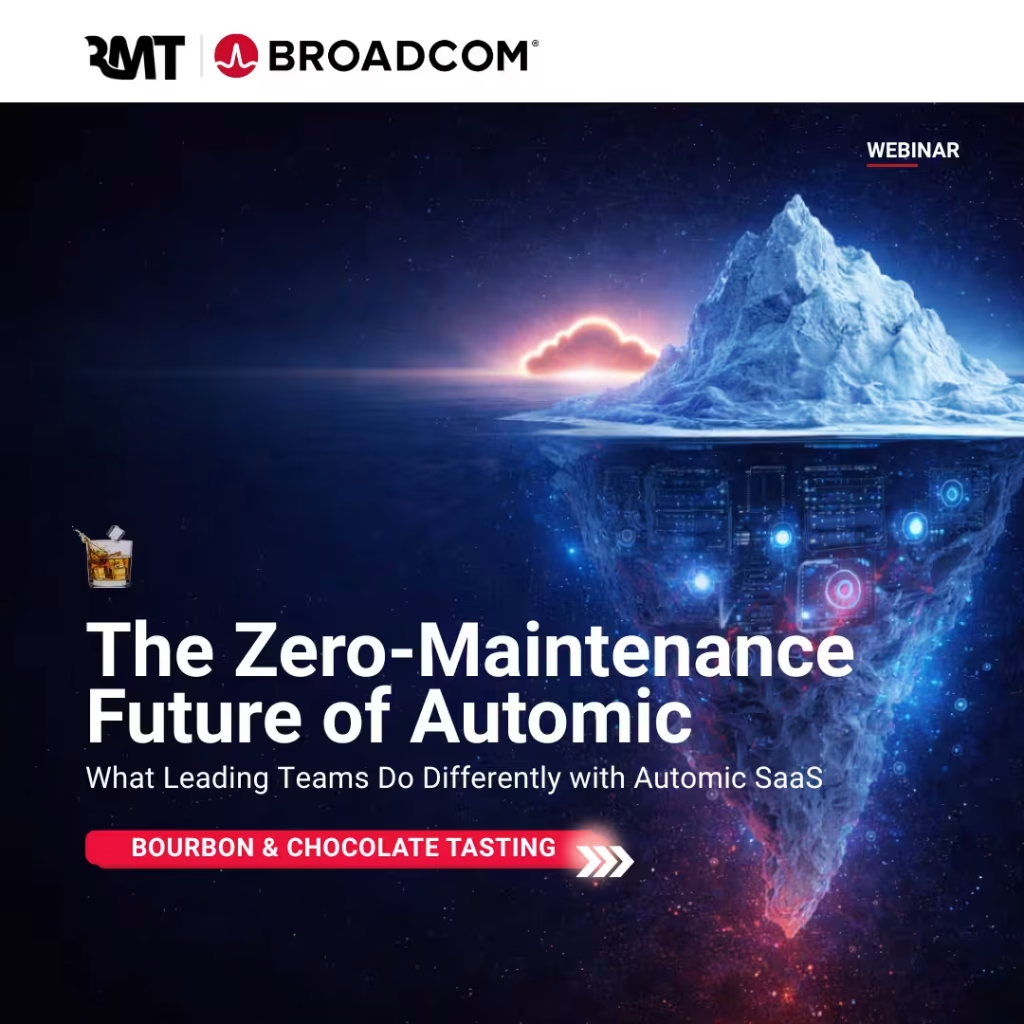
Automic SaaS, Bourbon & Chocolate: The Smooth Transition
Listen, on-prem Automic is like that glacier in the image. You see the license fee above the water, but underneath? There’s a massive chunk of overhead devoted to manual infrastructure updates, database babysitting, and scaling headaches.
We’re hosting a session to show you how to melt that burden away with Automic SaaS. To make the deep dive actually enjoyable, I’m sending out Bourbon & Craft Chocolate kits so we can evaluate three pours while we map out your path to the cloud.
The Strategy & The Pairing
Melt the Overhead: We’ll show you exactly which capacity planning tasks vanish when the platform is managed for you.
The 90-Day Roadmap: A clear, no-nonsense timeline for moving to SaaS without breaking your data integrity.
Personalized Path: You’ll get the option for a 1-on-1 assessment to see how your specific environment hits zero-downtime reliability.
Preparing Your Workload Automation Environment for v26
I’m thrilled about the potential of Automic v26, but I know jumping into a major release feels like a heavy lift. You don’t have to tackle this upgrade alone… we’ve spent over 25 years helping teams navigate these technical waters. At Robert Mark Technologies, we’ll help you assess your readiness and plan a smooth migration path.
Request a free Automic v26 readiness whiteboard session with RMT.
Say Bob sent you.
Get an automation smart upgrade or answer
Reach out now.