

I’ve been doing this Workload Automation thing for 25+ years, and after 1,500 engagements, I can tell you one thing with absolute confidence.
Manual AutoSys changes are crushing spirits and killing momentum. (I’ve watched it happen way too many times.)
Your environment keeps growing. Your headcount doesn’t.
So the gap gets filled with late nights, approvals ping-pong, missing job documentation, and that special kind of weekend plan cancellation that starts with “it should only take a minute.”
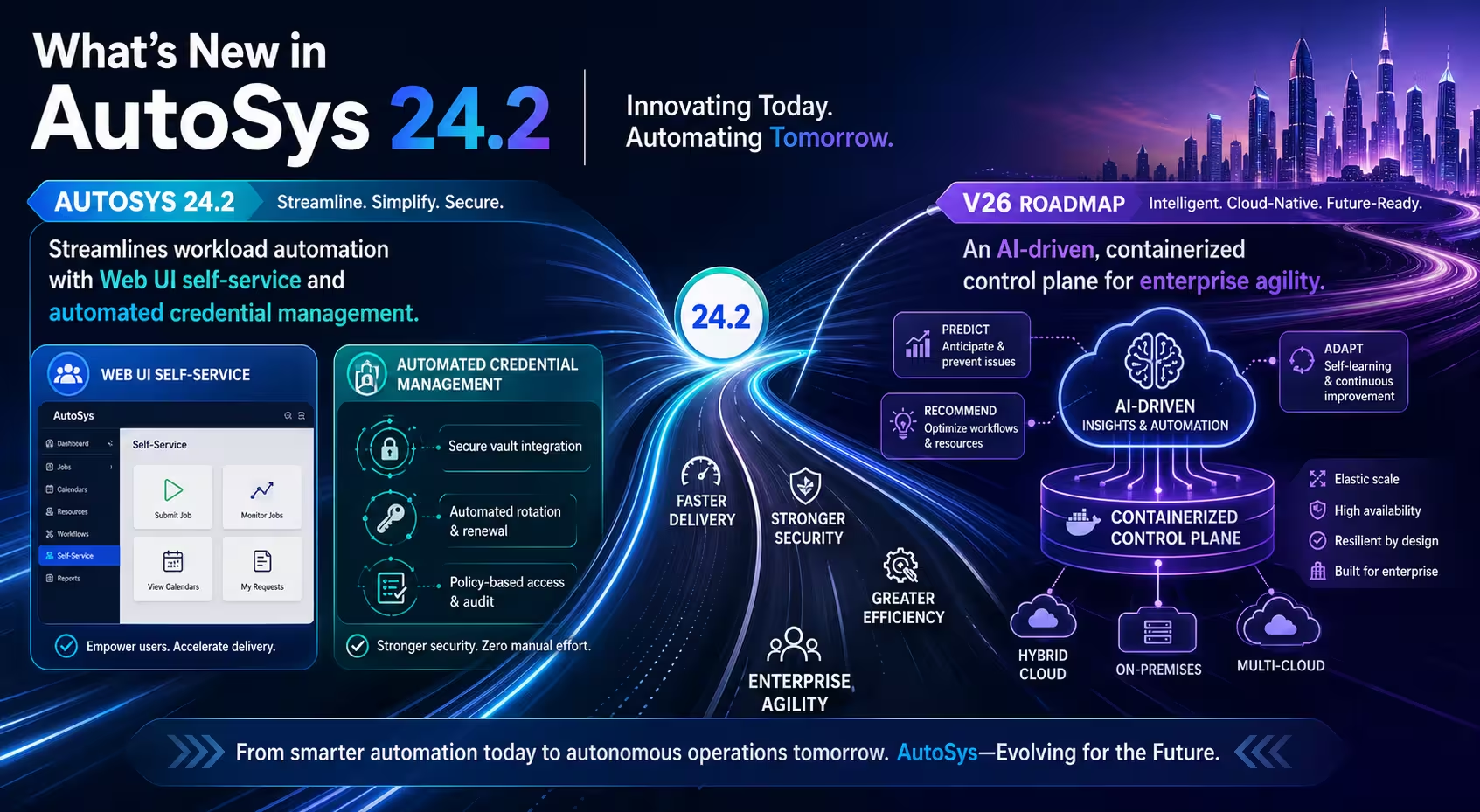
Meanwhile, Broadcom is clearly steering AutoSys toward a more modern world: stronger security, better UI, smarter orchestration, and yes, a containerized future with AI help baked in. Cool.
But you still have to survive today… with real production pressure, real audits, and real people who don’t want to babysit change windows at 2:50 a.m.
That’s where ACCE comes in. It’s our self-service lifecycle and change tool for AutoSys, built to take the messy change process and turn it into something you can actually live with.
Platform Improvements in 24.1 That Reduce Risk
I’ll start with AutoSys 24.1, because Broadcom didn’t just “ship a release” here… they shipped a clear message.
Security is the main event.
The headline upgrade is the new HTTPS agent listener, which is a fancy way of saying your AutoSys components can talk to each other using encrypted, modern web-style security.
If you’re running workloads in the cloud, or your security team has a checklist longer than your job stream… this one matters.
Now your agents can communicate through a secure URL. And that has a nice side effect… it makes containerization a lot less painful, because load balancers and modern infrastructure like to speak “web.” (You shouldn’t need a networking PhD to keep the scheduler happy.)
Broadcom also improved logging in a way you’ll actually feel.
There’s container-friendly logging that can write straight into the Kubernetes console, which is basically the “dashboard” where your container platform shows you what’s happening. And yes, you can get it in JSON, which is just a structured format that’s easier to search and filter.
Bonus points: errors show up in red, which is perfect for those of us who prefer our problems to be extremely obvious.
I also have to mention the Integration Factory. They’ve been busy adding new plugins, including Power BI, SAP Integration Suite, Google Cloud Batch and Google Cloud Run.
Translation: more things you can orchestrate without building a homegrown duct-tape adapter at 11 p.m.
And then there’s SAML 2.0. If you’re using Okta, or you’re enforcing MFA, you can now bring that same single sign-on flow into the AutoSys UI and even the REST API.

In plain English, you can lock access down tighter and still make it easier for the right people to get in. (Your security auditors might actually crack a smile. Don’t panic, it happens.)
The bottom line is this. AutoSys 24.1 hardens the platform, modernizes how you see and troubleshoot work, and quietly sets the stage for what’s coming next. And if you’ve ever had someone run the right job… on the wrong environment… you’ll appreciate how much of that pain this release is trying to eliminate.
UI + Troubleshooting Enhancements
I’ve seen plenty of “oops” moments where someone swore they were in dev… and then accidentally killed a job in production. (That’ll wake you up faster than espresso.)
Broadcom finally gave us a simple fix in AutoSys 24.1: Custom Banners.

You can label your WCC (Web Control Center) screen and change the banner color right from the UI. No digging through messy style sheets. No weird cache files. No “who touched this last” detective work.
So if dev is blue and production is red, you’ll know exactly where you are before you click anything that can ruin your afternoon.
The UI got a nice upgrade, too.
Instead of those old icon-heavy flows, you now get flow cards that show the important stuff right on the screen: job status, machine owner, and key details.

You can also flip the view left-to-right or top-to-bottom, whichever makes your workflow easier to read. And the AND/OR logic is clearer now, which means fewer “wait… why did that run?” conversations.
Troubleshooting also leveled up in a way your operators will actually feel. When a job fails, you can search the log fast using the built-in find tool.
Then there’s my favorite part: log diff.
You can compare the failed run against a previous successful run and see what changed, without playing “spot the difference” at 2 a.m.
Even better, you can tell it to ignore the noisy stuff that always changes anyway… like timestamps and other repeat offenders… so you’re not chasing fake problems.
Beyond Job Failures: Toward Observability-Style Events
I’ll admit it: most of us spent years obsessing over job failures and max run alarms.
That’s fine for basic operations.
But the real world is messier than that. (If your Oracle database throws an error in the event daemon log, the system’s “black box” log, a job failure alarm doesn’t always tell you the real story.)
Broadcom’s plan here is smart: move toward infrastructure event management.
That means AutoSys can start alerting you on the “something important just broke behind the scenes” moments… without you scraping logs like it’s 2009 and you lost a bet.
Instead of manually hunting for hidden errors, the platform identifies the critical event and flags it. And once you can detect those system-level problems, you can also automate what happens next.
This is where the 24.1 ticketing improvements get interesting.
ServiceNow works natively, but now you can also use scripted ticketing to connect to pretty much any ticketing system that exposes a REST API. (Translation: if it can take a ticket through an API, AutoSys can talk to it.)
What I like about this approach is that AutoSys can pass the useful context right into your script: job name, run number, instance details, and the actual error.
So instead of your team playing “what happened?” for the next two hours, you can kick off a clean, consistent response flow automatically.
Think of it like building a little automated response crew that opens the ticket, includes the right details, and nudges the process forward… while you focus on “what’s next” instead of babysitting yet another incident.
Job Orchestration That Moves Data With Work

Broadcom is making it a lot easier to chain jobs together using real output from the previous step.
This is the “stop guessing, start passing” upgrade.
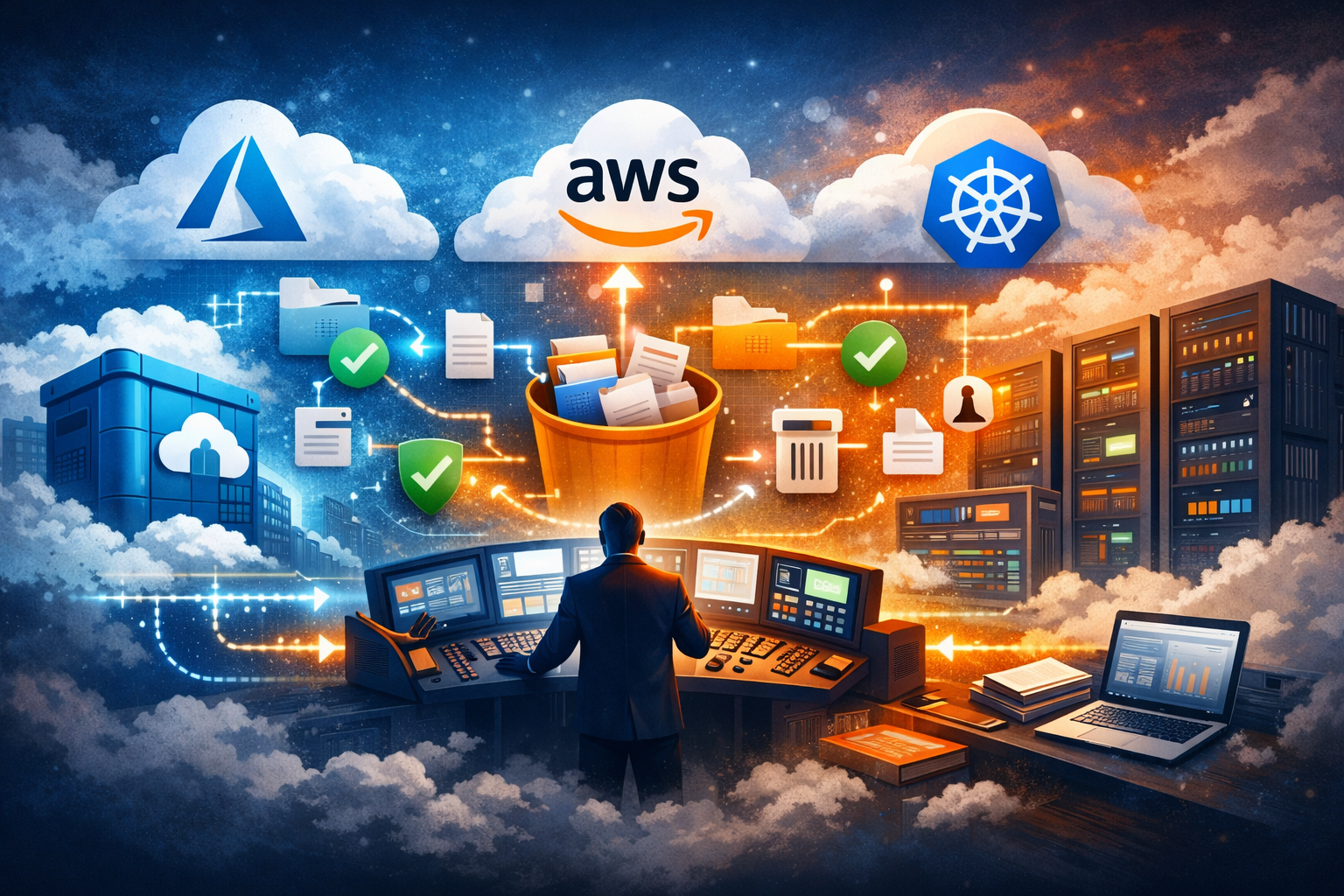
Instead of one job finishing and the next job starting with zero context, AutoSys is moving toward output passing: Job A grabs something useful (like the name of the file it just created in cloud storage) and hands it straight to Job B.
So your workflows can actually talk to each other… without you duct-taping a bunch of manual steps and late-night workarounds together. (We’ve all built that “temporary fix” that lived for three years.)
Then there are helper variables.
Think of these as built-in placeholders AutoSys already knows, like the job name and the run identifier. That matters because some cloud tools want a unique name every single time you run something, and nobody wants to play the “did we reuse a name?” game at month-end.
With helper variables, you can generate those unique values automatically, and when you look in the cloud console later, you can tie a run back to the exact AutoSys job that kicked it off. No detective work. No guessing. No coffee-fueled archaeology.
And yes, I’m excited about date variables, too.
Dates are always the part that turns a clean workflow into a mess. You need “last week” for one report, a specific cutoff date for another, and the format always has to be just a little different because of course it does.
Broadcom’s direction here is to build that right into the job definition, so you can specify what you need and stop managing date logic in side notes, spreadsheets, or “that one global setting nobody wants to touch.”
The payoff is simple: less manual data entry, fewer brittle workarounds, and workflows that keep moving even when you’re not babysitting them.
Which is the whole point… because your automation platform should be doing the work, not assigning your team another creative writing exercise titled “How to pass a filename from one step to the next.”
Containers as the New Default

I’m keeping a close eye on the road to 2026, because that’s when AutoSys really starts changing shape.
Broadcom already laid the groundwork in 24.1 with a container-friendly agent.
The next big step is the one everybody actually cares about: putting the AutoSys infrastructure into a container.
Why does that matter to you?
Because it gets you identical environments from test all the way to production. You validate the setup once, then promote the same “known good” package forward, fast, and with a lot less drama. Upgrades get simpler. Downtime gets shorter. Your team gets fewer late-night surprises. (Those are my favorite kinds of surprises… the ones that don’t happen.)
And then you start to see the real payoff: what I’d call the serverless experience. Not “serverless” like magic… more like “less of your team’s life spent babysitting servers.”

Instead of supporting a mountain of machines, you point jobs at a scalable pool of workers, and that pool can grow or shrink based on demand. Month-end and year-end spikes? The system can scale up. Normal weeks? It scales back down.
Even better, you don’t have to play matchmaker between a job and a specific box anymore.
AutoSys can route the work to the right place, based on what’s available and what the job needs, so you’re not stuck memorizing where everything runs. You won’t be asking “which server is that on?” nearly as often… and your blood pressure will thank you.
ACCE Workflow: Dev-to-Prod Without the Drama
Migrating jobs from dev to prod used to take a full week of back-and-forth.
Chasing details. Chasing approvals. Chasing that one missing note nobody wrote down. (My favorite kind of scavenger hunt… said no one ever.)
ACCE changes that story.
You open a change request, drop in the jobs you want to move, and ACCE immediately shows you the “before vs after” view, what’s in dev and what prod is about to get. So you can confirm you’ve got the right stuff before you touch anything important.
If a job is missing documentation, ACCE flags it right away. No surprises at the finish line.
You can fix the documentation and tweak job settings right inside ACCE, without bouncing between tools like you’re training for an IT triathlon.
Then you run the validation engine, which is just a fancy way of saying “ACCE checks your work against your standards and tells you what’s going to fail before it fails.” If something trips a rule, it doesn’t just wave a red flag, it tells you why… and you can even adjust the validation policy on the fly when the business needs it.
Once everything passes, you pick how you want to run the migration: approval-based or scheduled. If you want that 3 a.m. maintenance window, schedule it. If you want an approver to greenlight it, send it.
Either way, you’re not setting an alarm for 2:50 a.m. anymore… unless you just miss pain.
When it’s time, it’s one-click migrate. And if something feels off afterward, you’ve got an optional backout to pull the change back cleanly.
Visibility, Audit, and Cost Control With ACCE
Managing a massive environment without visibility feels like flying blind. And I don’t love surprises… unless it’s someone bringing snacks to the war room.
That’s why I’m a big fan of the execution dashboards in ACCE.
You can see exactly how many jobs are running across dev and prod each month, all in one place. You can also track your license execution limits, so you know whether you’re pacing safely… or sprinting toward an expensive conversation.
Even better: you can spot trouble early. If today’s migrations are going to push you over the line tomorrow, you’ll see it coming. That’s how you avoid the classic “we’ll deal with it later” strategy… which usually means “we’ll deal with it at 2 a.m.”
Now let’s talk compliance. Yes, auditors exist. (And they do not accept vibes as documentation.)
So ACCE includes SSRS reports (SQL Server Reporting Services) that give you real audit trails and clean chargeback reporting. You can generate a Change Request Chargeback report or an audit file quickly, showing who approved what and when… without digging through emails or piecing together screenshots like a true crime documentary.
And then there’s the part nobody wants to admit: your environment collects junk. Old jobs. Unused attributes. Random leftovers from three reorganizations ago.
That’s where health checks earn their keep.
ACCE can identify that “garbage” data so you can clean house, tighten things up, and keep the system running efficiently. Fewer failures. Less clutter. A smaller footprint.
You get a cleaner environment… and I get the satisfaction of knowing you’re not paying for executions you don’t actually need. (It’s a win-win. The finance team may even smile. Don’t expect a hug, though.)
Get your AutoSys house in order with RMT
If AutoSys changes keep eating your time and energy, RMT can help you tighten the process and calm the noise.
RMT can assess your current workflows, identify the high-friction steps that trigger rework and delays, and recommend a realistic plan to make change delivery predictable again. The goal stays simple: fewer surprises and more consistency.
Request a free AutoSys modernization conversation with RMT.
Say Bob sent you.