

FREE UPGRADE TRAINING
Automic v.24: The Transition You Can't Miss


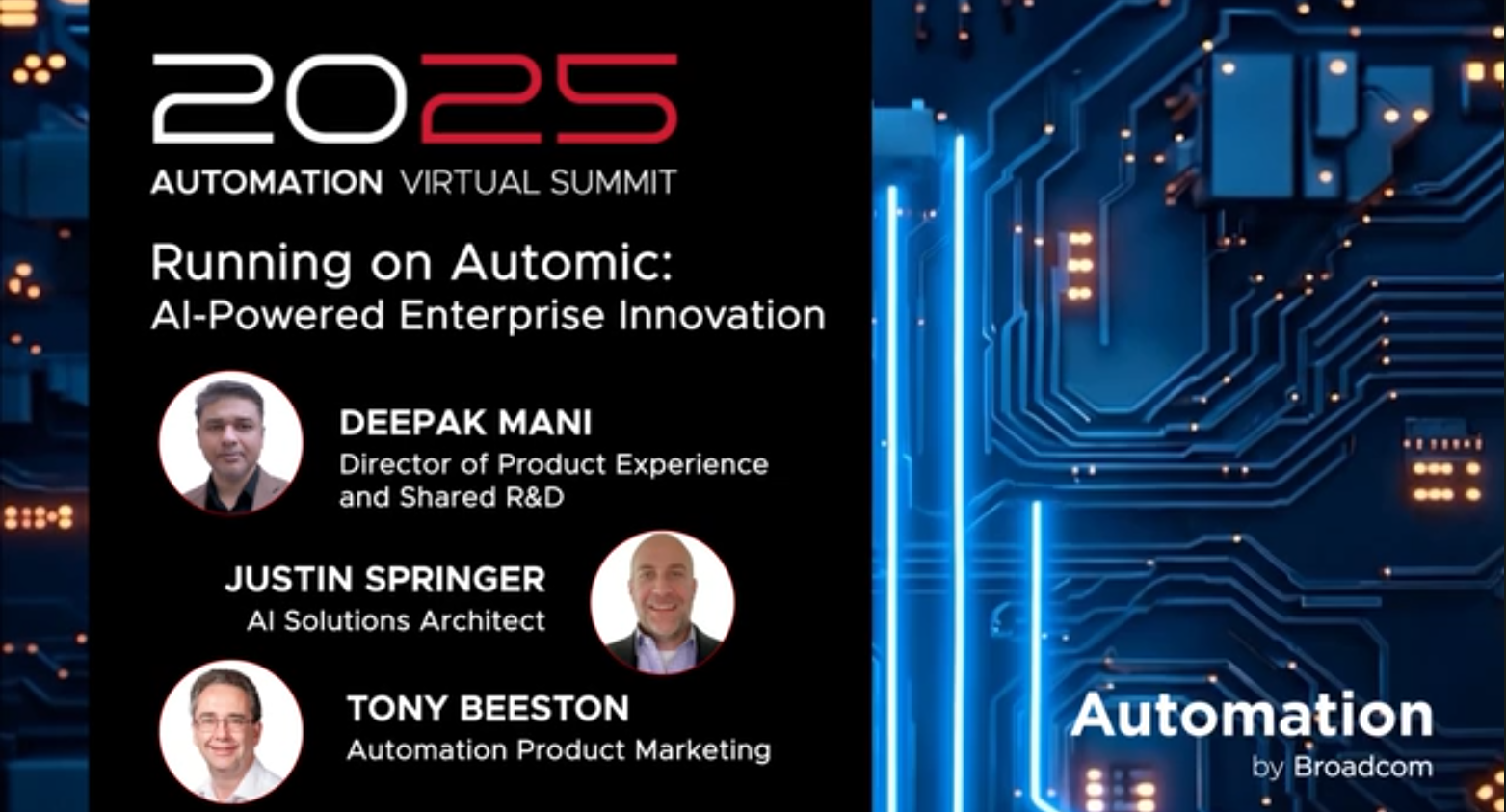
[WEBINAR] What’s New in Automic v.24: The Transition You Can’t Miss
The countdown is on! With Automic v21 reaching its End of Service this September, now is the time to upgrade. In this live webinar, we’ll guide you through your upgrade options, help you choose your upgrade path, and share essential best practices to ensure a smooth transition to v.24 (On Prem or SaaS).
You’ll Learn:
- How to choose the right upgrade path for your specific environment (e.g. why the UTF-8 database change is crucial for your migration strategy)
- Key differences between Automic v.24 and SaaS, and how they impact your operations
- Expert tips for a hassle-free upgrade
Don’t wait until it’s too late – watch now to ensure your app stack stays optimized with Automic.
Choose Wisely Before Time Runs Out for Automic Automation
Something is going sour this September, and it’s not your milk. It’s Broadcom’s Automic v21.
If you’re groaning, I get it. It’s the stuff of nightmares.
When you’ve got a job scheduler automation 10 business critical applications, that scheduler is ten times as critical to your business as each of the applications it runs.
There’s SAP, Oracle, PeopleSoft, BusinessObjects, Hadoop, Airflow . . . . It’s hard to sleep at night.
My clients are sharp: applications teams made up of DevOps Engineers, Applications Developers, System Administrators, IT Managers – with key stakeholders such as Directors and VPs of IT.
And they have legitimate worries:
• “What if we bring down the entire system?”
• “We only upgrade every few years. We’re not pros.”
• “We don’t know all the ways to reduce risk.”
• “Some of the applications are on old operating systems. It’s nerve-wracking.”
• “We don’t have time for this &*$%.”
• “Ugh. Let’s circle back next quarter.”
• “Don’t touch it. That’s how to mitigate risk.”
The struggle is real.
We’ve been helping companies plan the next Automic End-of-Service (EOS) for the last year, and we’ve performed hundreds of upgrades.
Now’s the time to upgrade to either v.24 or SaaS, and I’m here to make the decision easier for you.

The Automic End of Service Countdown: Your Wake-Up Call
Picture this: It’s September 30, 2025. Your morning coffee is getting cold, and so is Automic v21. While you were busy putting out the usual IT fires, the End-of-Service (EOS) deadline snuck up like that meeting invite you’ve been ignoring.
But unlike those meetings, this is one deadline you can’t ghost. When Automic v21 hits EOS, it means no more updates, no more patches, and definitely no more support. It’s like running your mission-critical processes on a tightrope – without a safety net.
The good news? You’ve got options (yes, actual options, not the “would you rather” kind):
- Level up to Automic v24 – the latest on-premises powerhouse
- Take the leap to Automic SaaS – where the cloud’s the limit
Here’s the kicker: sitting on this decision is like trying to fix a leak with duct tape – it might work for a while, but eventually, you’re going to have a flood on your hands. Organizations that play the waiting game often end up regretting the issues that crop up when a product becomes legacy.
Let’s get ahead of this together before your automation environment starts showing its age like that server room desktop still running Windows XP. (We know it’s there. No judgment.)

The Biggest Mistake? It's Not What You Think (Actually, It's Exactly What You Think)
Let’s play a game called “Things IT Managers Say”:
- “We’ll circle back next quarter”
- “Let’s put a pin in it”
- “We should pull together some people to discuss this”
Sound familiar? It’s the corporate equivalent of “the dog ate my homework,” except this time, the homework is your entire Workload Automation infrastructure, and the dog is that sneaky September 2025 EOS deadline.
Here’s what happens when you play the waiting game (spoiler alert: nothing good):
Security Swiss Cheese:
Unsupported software is like leaving your digital front door wide open with a “hackers welcome” mat. Those security vulnerabilities? They’re not fine wine – they don’t get better with age.
The Upgrade Crunch:
Picture this – it’s late 2025, and you’re finally tackling the upgrade. But unexpected delays start piling up, stretching your timelines and slowing operations. Not exactly ideal, especially when leadership is expecting a seamless transition.
The Integration Blues:
Try integrating new features with legacy systems at the last minute – it’s like trying to teach your grandparents to use TikTok for a viral dance challenge. Technically possible, but why put yourself through that?
Remember: Workload Automation isn’t just another IT system – it’s the backbone of your enterprise. Treating it like that gym membership you’ll “definitely use next month” is a recipe for disaster.
The best time to upgrade was yesterday. The second best time? Now. (The worst time? Q3 2025, when you’re stress-eating donuts while the system turns legacy.)
Let’s skip the last-minute scramble and start planning your upgrade today. Your future self will thank you – probably with all those donuts they didn’t stress-eat.

Round 1: Automic v24 – For Those Who Like Their Servers Where They Can Hug Them
Let’s talk about Automic v24 – the choice for organizations who believe in keeping their automation like their coffee: in-house and under strict quality control. This isn’t just an upgrade; it’s like giving your current automation environment a PhD in efficiency while letting it live in its favorite basement.
What’s New in v24? (Spoiler: A Lot)
- AE REST API: This feature is getting more user friendly, so you can interact with more than a job status and edit more objects
- New Notification Capability through a Customizable Banner
- UTF-8 Database: Easily handle operations in which different character sets are involved.
- Redesigned UI in the Result Property Pane for Schedulers
- Enhanced web UI: Finally, an interface that doesn’t look like it was designed during the dot-com bubble
- Expanded integrations: Plays nice with others, unlike your old high school printer
Who Should Choose v24? You, if…
- Your apps are like a close-knit family – they refuse to leave the house
- You’re the type who likes to know exactly where your data sleeps at night
- The phrase “cloud migration” makes your security team break out in hives
- You want that new-car smell without trading in the whole vehicle
Think of Automic v24 as the Swiss Army knife of automation – all the tools you need, right where you can see them. It’s perfect for organizations that want to modernize their automation without giving up the warm, fuzzy feeling of having their servers within hugging distance.
It’s the golden middle path between “living in the past” and “jumping into the cloud before checking the water temperature.” You get cutting-edge features while keeping your feet firmly planted on your own data center floor.

Round 2: Automic SaaS – For Those Ready to Let Go of The Server Room Security Blanket
Remember when we all thought storing music on CDs was the future? Well, here’s your chance to avoid another “why did I buy 1000 CD-Rs?” moment. Automic SaaS is like your current automation setup, but it traded its pocket protector for a leather jacket.
Why Automic SaaS? (Besides Impressing Your Tech-Savvy Nephew)
- No infrastructure drama: Finally, a valid excuse to stop patting your servers goodnight
- Auto-magical updates: Like having elves that upgrade your system while you sleep (but with better documentation)
- Elastic scalability: Scale up resources instantly when workloads spike (like during month-end), without breaking a sweat or an SLA. It’s the cloud’s flexibility and power at your fingertips
- Full feature parity: All the power of on-prem, minus the “server room is making weird noises again” meetings
- Built-in security: Enterprise-grade protection that makes Fort Knox look like it’s using a “Password123” sticky note
Who Should Jump on This Cloud Train?
- Teams tired of playing “guess when the server will need an upgrade”
- Organizations whose idea of a good time isn’t managing infrastructure
- Companies who’d rather spend money on innovation than cooling fans
- Anyone who’s ever said “there has to be an easier way” during a 3 AM system update
Think of Automic SaaS as your automation environment’s gap year abroad – it comes back more flexible, more sophisticated, and way better at handling stress. Plus, it no longer needs a dedicated room with industrial-strength air conditioning.
It’s perfect for businesses who want their IT team focusing on strategic initiatives instead of playing “whack-a-mole” with server alerts. And let’s be honest – wouldn’t you rather your best people were innovating instead of updating firmware on a Saturday night?

Final Round: Decision Time (No Pressure... Well, Maybe Some Pressure)
Let’s play matchmaker! Let’s play matchmaker! Choosing between Automic v24 and SaaS is like deciding between streaming everything on-demand or keeping your DVD library at home – it all comes down to your comfort level with change (and infrastructure).
Team v24: For the “My Server, My Rules” Crowd
- You treat your infrastructure like a bonsai tree – carefully pruned and totally under your control
- Compliance requirements make cloud discussions sound like suggesting skydiving to your insurance agent
- You’ve got a “it’s complicated” relationship status with legacy systems that just won’t quit
- Your idea of fun is customizing every… single… setting
Team SaaS: For the “Life’s Too Short for Server Updates” Squad
- Your motto is “less infrastructure, more innovation” (and fewer 3 AM server alerts)
- You’re ready to trade hardware headaches for happy hours
- The phrase “automatic updates” makes you feel things
- Your IT team is tired of playing “infrastructure whisperer”
The Third Option: Team Procrastination (Spoiler: Don’t) Imagine it’s September 29, 2025. You’re surrounded by empty energy drink cans, your phone is blowing up with “is it done yet?” messages, and somewhere, a server is making sounds that definitely aren’t in the manual.
Don’t be that person.
The Bottom Line
- If you love control like a helicopter parent, v24 is your jam
- If you’re ready to let go and let cloud, SaaS is your future
- If you’re thinking “I’ll decide later” – congratulations, you’ve just volunteered for next year’s “What Not To Do” case study
The clock is ticking, and unlike your weekend Netflix binge, this isn’t something you can put off until the last minute. Choose wisely, but more importantly, choose soon.
Need help making the leap? We’re here to ensure your transition is smooth.
Get Started: Because DIY is Great for Painting, Not Enterprise Upgrades
Look, we get it. You’ve got a sweet dev team and have watched enough YouTube tutorials to know you can build a deck, fix a leaky faucet, and change your own oil, no prob. But when it comes to upgrading your entire automation infrastructure, how about we take care of that for you?

Sleep Better During Your Upgrade . . .
Why RMT? Glad You Asked:
- 1,500+ successful automation projects: That’s not a typo. We’ve done this more times than you’ve had “quick 5-minute meetings” turn into hour-long debates
- 25+ years of expertise: We were automating things when dial-up internet was still considered cutting edge
- Zero tolerance for upgrade failure: We’re like helicopter parents, but for your automation environment
Here’s How We Make Migration Magic Happen:
- Comprehensive assessment: We’ll x-ray your automation setup (metaphorically – no radiation involved)
- Strategic roadmap: A custom plan that makes Google Maps look amateur
- Seamless execution: We handle everything from A to Z (and all those pesky letters in between)
- Ongoing optimization: Because launching is just the beginning of the adventure
The RMT Difference: We’re not just consultants – we’re your automation sherpas. We’ll guide you through the upgrade wilderness with the confidence of someone who’s made the trek 1,500+ times (and counting).
Ready to Sleep Better at Night?
Book a free feasibility discussion. We’ll get the lay of the land, in terms of your scope, compatibilities, and existing systems and workflows.
Then we’ll erase your concerns about disrupting business critical operations.
Don’t wait for your environment to drop passive-aggressive hints about its retirement. Let’s plan your upgrade today.
So that when September 30, 2025 hits, you can be sipping coffee, saying ‘EOS what?’ – instead of googling ‘how long does an Automic upgrade take.’
Recommended: Free Training Webinar: What’s New in Automic v.24: The Transition You Can’t Miss

More in Workload Automation (WLA)


Not sure what fits your business needs? Get free consultation!
Managing Workload Automation environments is all we do, and we do it well. We’re happy to help.




You must be logged in to post a comment.